
 Facebook
 X
X LinkedIn
 Forward
Whether you are new to Baylor Scott & White Health or looking for a refresher on claiming credit for an activity, this page outlines the essentials needed for using the Baylor Scott & White CE learning management system (EthosCE)—including creating or updating your profile, claiming CME credit, and accessing transcripts and accredited education resources.
To access CME activities, claim credit, and obtain transcripts, all physicians and faculty must set up a learner profile in the BSWH CE Learning Management System (EthosCE).
Getting started
- Visit: https://ce.bswhealth.com/
- Create or update your profile as a Baylor Scott & White affiliate: https://ce.bswhealth.com/content/createupdate-your-profile
- You must have an active mobile number in your profile to use the SMS text/credit claim feature for grand round/case based sessions
Check your mobile # now
- You must have an active mobile number in your profile to use the SMS text/credit claim feature for grand round/case based sessions
Claim CME credit and access records
- View activities eligible for credit claim: https://ce.bswhealth.com/my/activities/pending
- Access transcripts for sessions and activities you have claimed credit for: https://ce.bswhealth.com/my/activities
Important reminders
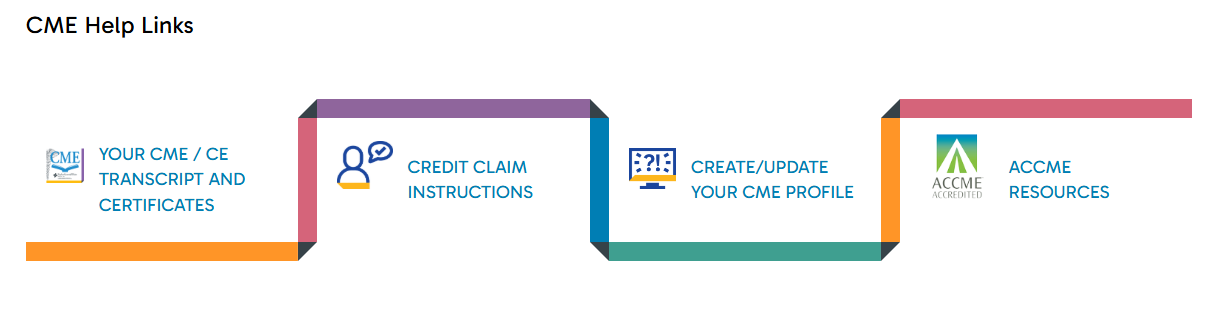
- CME resources and links are available in the CME Help Links ribbon on the CME homepage
- Most Grand Rounds activities expire 7 days after the live session
- Evaluations and credit claim must be completed within the 7‑day window to be awarded credit
We are actively working on the integration between EthosCE and CE Broker. Our goal is for physician participant credit records to be automatically and accurately reported by September 1. Updates will continue as this integration project progresses on our CE Broker announcement page, and in systemwide announcements shared through BSWH communication channels.
Contact Us
Always feel free to visit our Contact Us (home page menu tab) for any questions.