
 Facebook
 X
X LinkedIn
 Forward
Preparing for Future CE Broker Reporting: Update Your Profile
Update your EthosCE Profile
1. On the Profile page, scroll to the TEXAS LICENSES (CE BROKER) section.
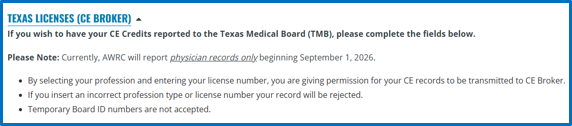
2. Select your Profession from the "Profession" dropdown menu.

3. Enter your license number in the "Texas Medical Board License Number" field.
*Temporary Board ID numbers are not accepted.

Save Your Changes
1. Scroll to the bottom of the page.
2. Select "Save" button.

3. Wait for confirmation that your changes were saved successfully.
| Update your profile now |
Further questions: Contact us